Senior full-stack engineer · AI content & video
Automating content creation — AI development, SaaS and apps
I build AI-powered products and systems for content creation and automation — from the first prototype to production.
- 12 yearsof commercial full-stack development
- $68K / moin sales through a platform I built and run
- 4.6M viewson an AI-video account I ran solo
Twelve years of commercial web development sit underneath the AI work — full stack, interface to infrastructure. I take the problem whole: what needs to be built, how people will use it, and what it takes technically to make it work. I judge the result the way the business does — by users, distribution and cost per output, not by the code.
Apps
Useful apps for working with content
 Captions
Turns speech into word-level subtitles you can restyle, retime and burn straight into the video.
Captions
Turns speech into word-level subtitles you can restyle, retime and burn straight into the video.
 Scenario
Pulls the script and scene structure out of a finished video, ready to reuse.
Scenario
Pulls the script and scene structure out of a finished video, ready to reuse.
 Stories
Turns one piece of content into a ready set of vertical story frames.
Stories
Turns one piece of content into a ready set of vertical story frames.
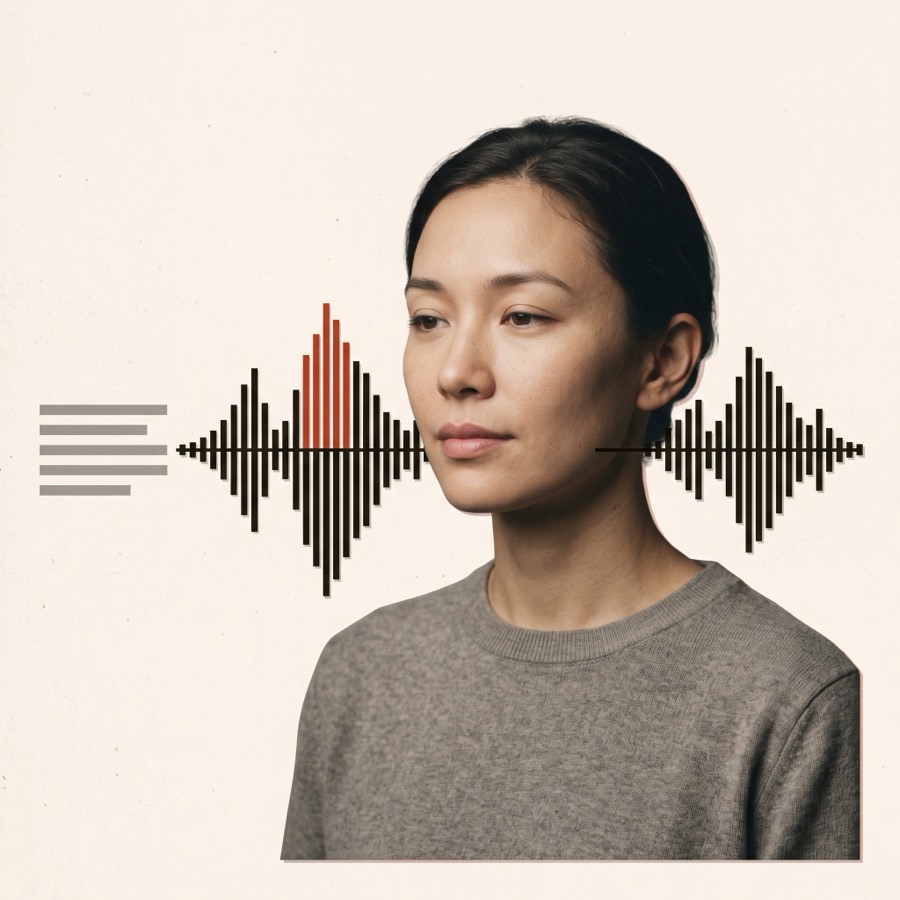 Voice
Turns a script into a natural-sounding voiceover, ready to drop into the edit.
Voice
Turns a script into a natural-sounding voiceover, ready to drop into the edit.
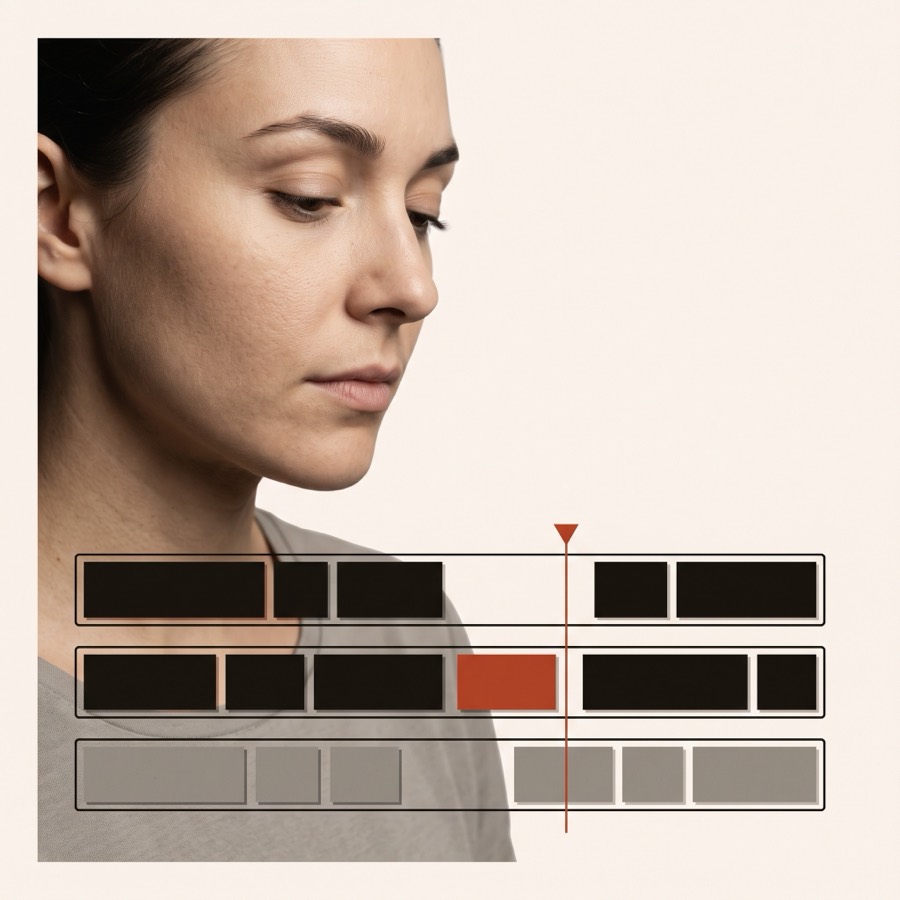 Audio
Trims, cleans and reassembles the audio track without opening a full editor.
Audio
Trims, cleans and reassembles the audio track without opening a full editor.
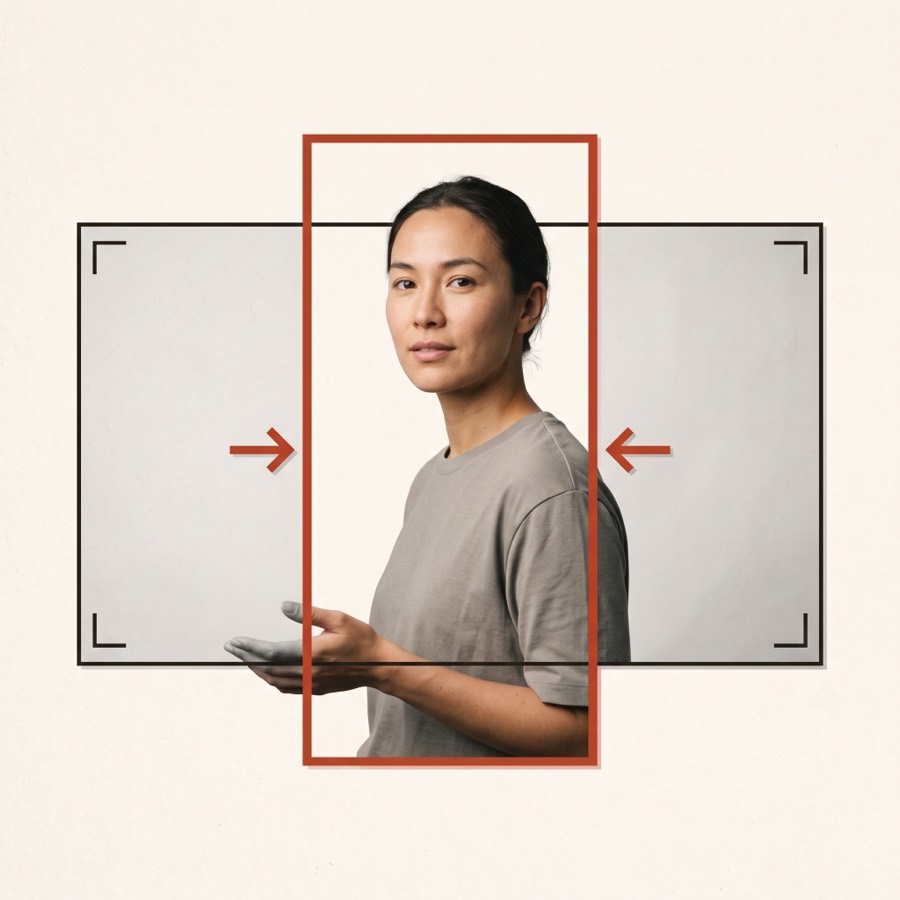 Vertical
Reframes a horizontal video into 9:16, keeping whoever is talking inside the frame.
Vertical
Reframes a horizontal video into 9:16, keeping whoever is talking inside the frame.
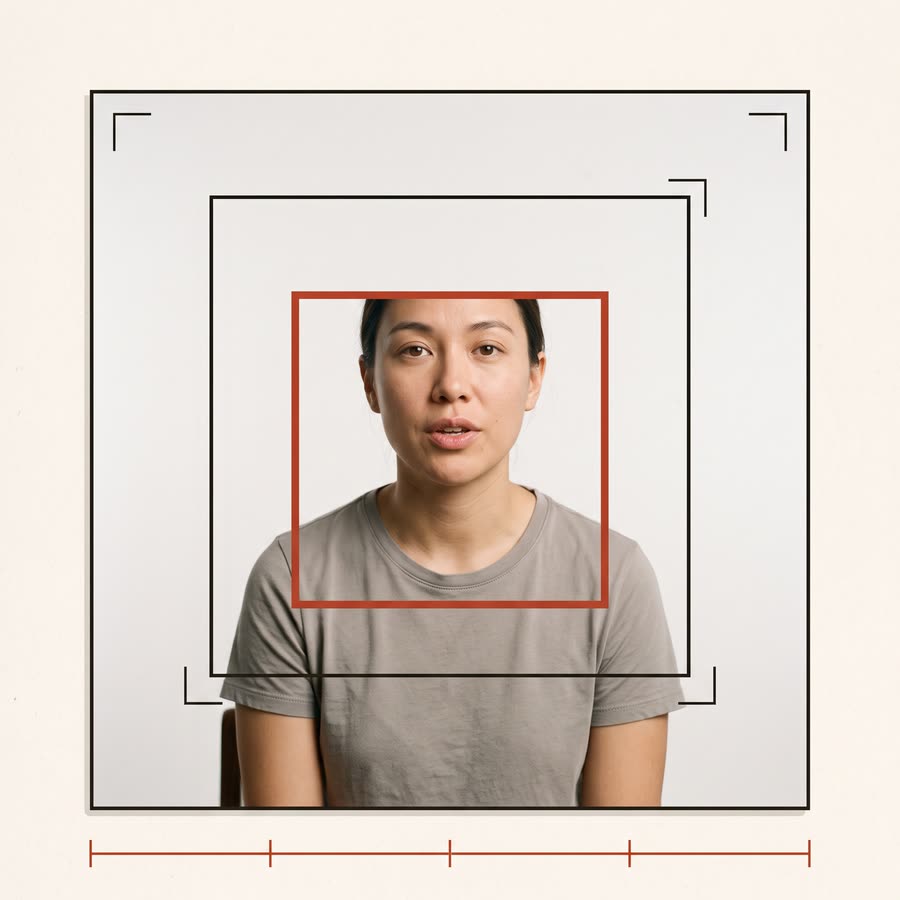 Shots
Recuts a static talking head into four shots, pushing in on the face between sentences — length and audio untouched.
Shots
Recuts a static talking head into four shots, pushing in on the face between sentences — length and audio untouched.
 Frames
Pulls stills out of a video — frame-by-frame stepping and one-click grabs.
Frames
Pulls stills out of a video — frame-by-frame stepping and one-click grabs.
 Download
Pulls a video out of Instagram by link — shows what it found first, then fetches the largest stream or an iPhone-friendly one.
Download
Pulls a video out of Instagram by link — shows what it found first, then fetches the largest stream or an iPhone-friendly one.
 Cover
Offers sharp frames with a face in them and puts your title on the one you pick — ten looks, and you place the title.
Cover
Offers sharp frames with a face in them and puts your title on the one you pick — ten looks, and you place the title.
 Photos
Generates an image from a prompt and reference photos with Nano Banana 2 — the price is shown before you press anything.
Photos
Generates an image from a prompt and reference photos with Nano Banana 2 — the price is shown before you press anything.
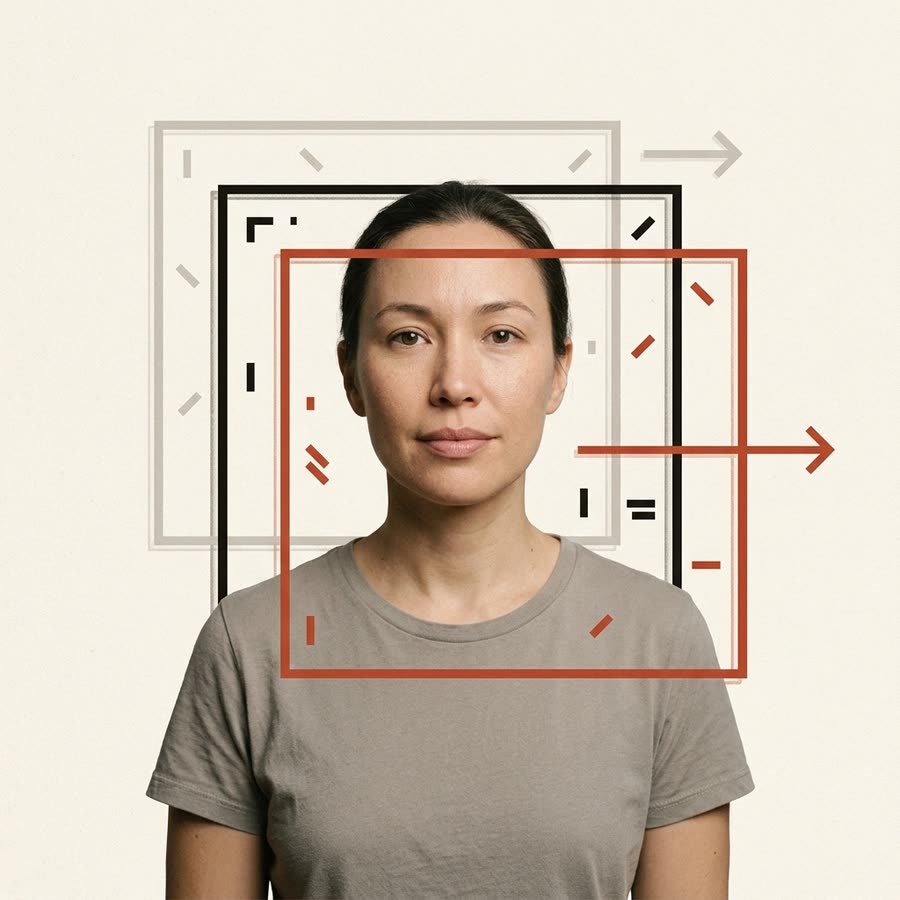 Parallax
Gives a flat clip a slight camera drift with depth — near things move more than far ones.
Parallax
Gives a flat clip a slight camera drift with depth — near things move more than far ones.
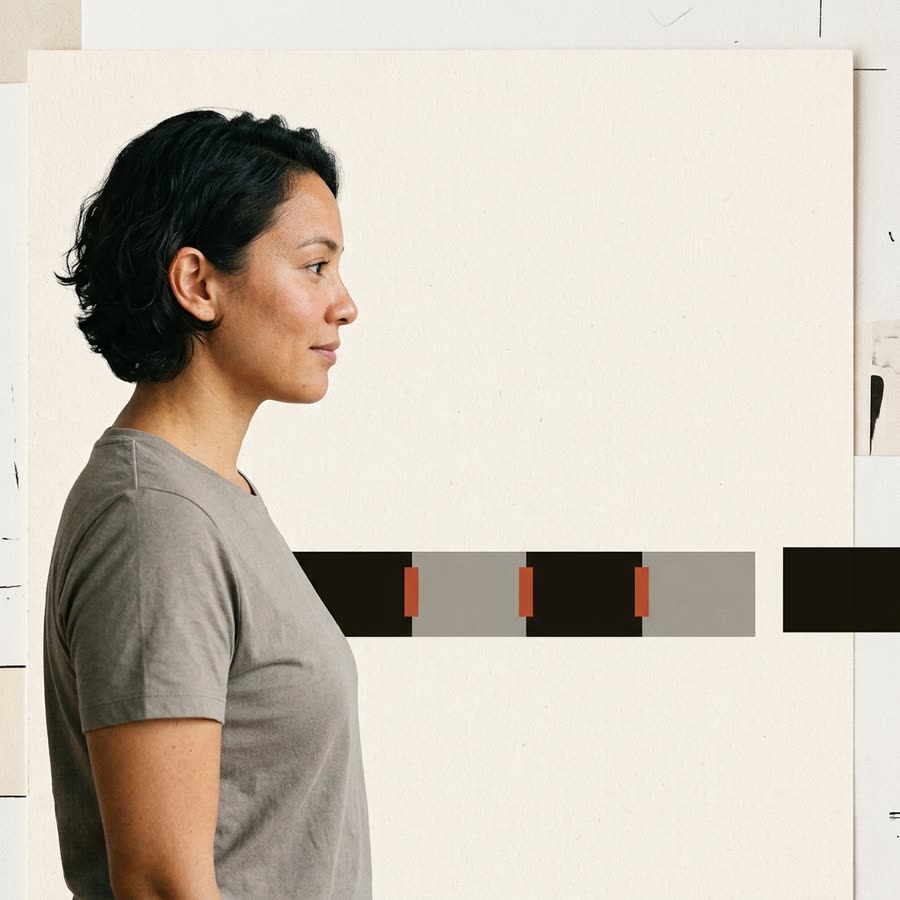 Compose
Joins any number of clips end to end into one file, with the sound in sync and the sizes matched.
Compose
Joins any number of clips end to end into one file, with the sound in sync and the sizes matched.
 Scenes
Finds every cut in a video and hands back each scene with its times and a sharp first frame.
Scenes
Finds every cut in a video and hands back each scene with its times and a sharp first frame.
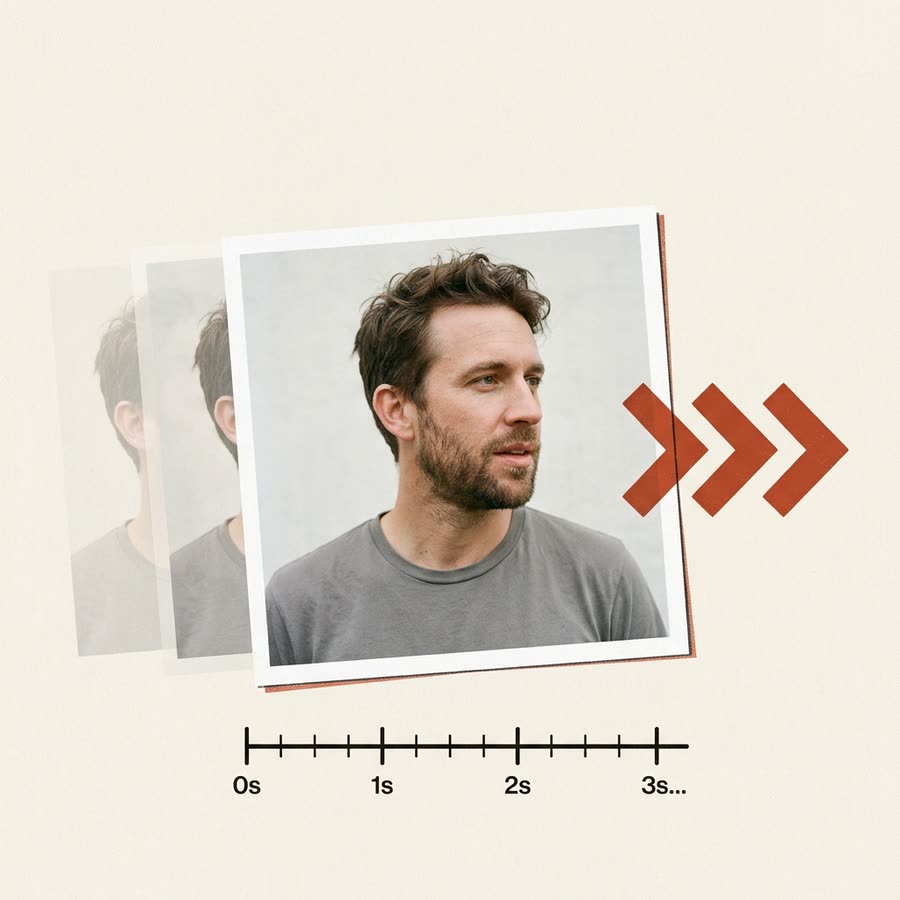 Video scene
Turns a photo and a prompt into a clip — three engines, length and sound to choose, the price shown up front.
Video scene
Turns a photo and a prompt into a clip — three engines, length and sound to choose, the price shown up front.
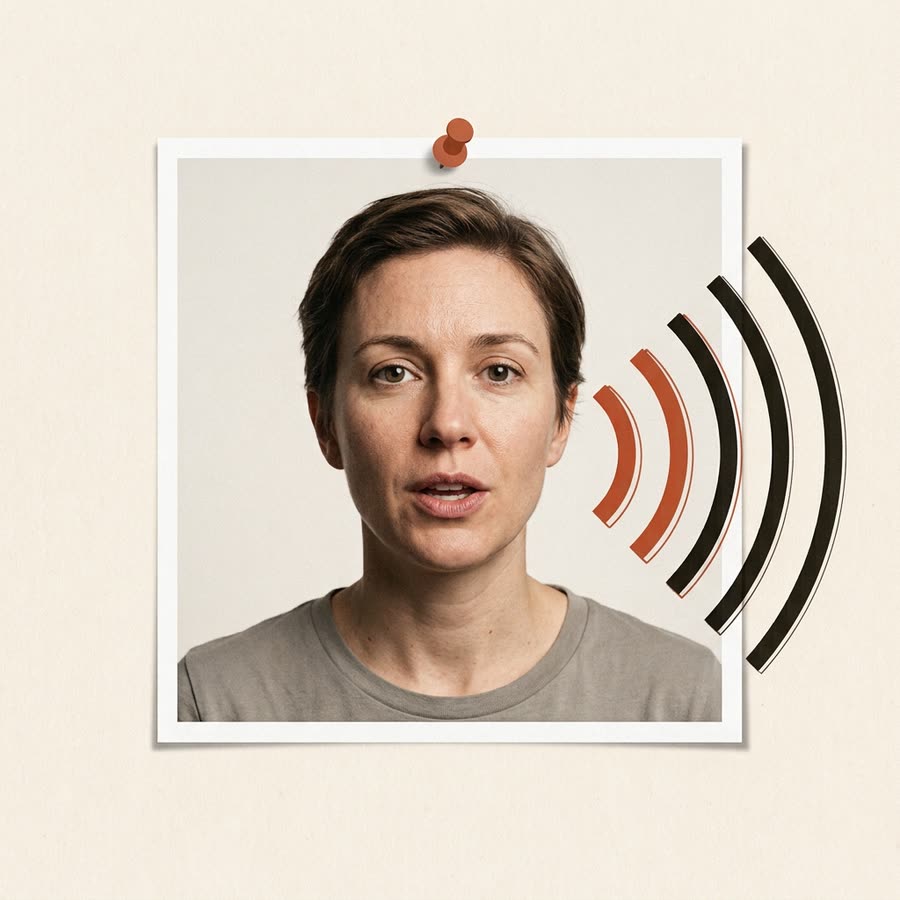 Avatar
Turns a still photo and a soundtrack into a talking avatar via HeyGen, with every setting shown before anything is spent.
Avatar
Turns a still photo and a soundtrack into a talking avatar via HeyGen, with every setting shown before anything is spent.
Contact